No products in the cart.


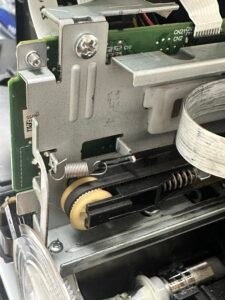
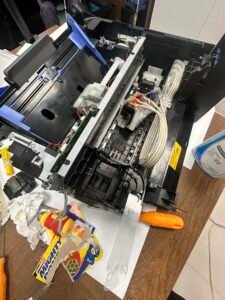
The Epson L3210 is displaying a persistent ‘Paper Jam’ error despite the paper path being completely clear. The error occurs immediately upon startup, preventing any printing tasks, even though no physical obstructions or torn paper fragments are present in the rollers or rear tray.
Error Message: The printer’s status monitor indicates a paper jam.
Physical State: No paper or debris is visible in the input tray, output tray, or internal carriage area.
Behavior: The error persists after restarting the device and performing a basic power cycle.
Log in for step-by-step instructions:
This content is locked
Login To Unlock The Content!